For food & beverage stores
Quantity breaks for Shopify food & beverage stores
Coffee, tea, snacks and sauces get used up and bought again. Give shoppers a better price per unit when they buy several, and fill the box in one order. The discount applies at checkout; your product prices stay exactly as you set them.
- Free planFree plan
- 7-day trial7-day free trial
- No theme codeNo theme code
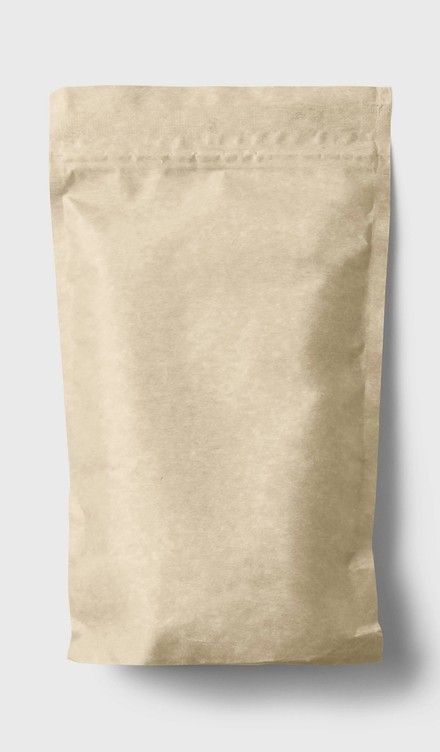
NORTH HILL ROASTERS
Single-Origin Coffee Beans — 12oz
$18.00
OFFER IDEAS
3 quantity break ideas for food & drink stores
Examples you can set up in Tierly. Pick the tiers that fit your margins.
Flat amount off
The pantry restock
A fixed amount off each unit as the quantity grows.
Fixed final price
Mix-a-case
Any 12 cans or bars at one case price.
BOGO
Buy 3, get 1 free
For snacks and sauces that sell in multiples.
WHY TIERLY
Why stores trust Tierly with their prices
Your prices never change
Discounts apply at checkout. Your catalog stays exactly as you set it.
No theme code
Add the widget with a theme app block. Remove it the same way.
Free plan + 7-day trial
Start free. Paid plans include a 7-day trial, billed by Shopify.
Built on Shopify Functions
Shopify’s own discount engine — the one that runs your checkout.
FAQ
Food & beverage store questions
How do I offer a case discount on Shopify?
Install Tierly, create a campaign for the product, and set tiers — for example, $2 off each bag at 3 bags and $3 off each at 6. Add the Tierly block to your product page in the theme editor. The discount is applied at checkout; the per-unit price in your catalog never changes.
Can shoppers mix flavors or roasts to reach a tier?
Yes. Turn on “Let customers choose different variants for each item” and shoppers pick a flavor or roast for each item in the pack. If they are separate products, “Combine discount across selected products” adds up the quantities across every product in the campaign.
Can I set different tiers for single items and multipacks?
Yes. Each campaign applies to the products, variants or collections you choose, so single items and multipacks can each have their own tiers.
Will quantity breaks change my product prices in my feeds?
No. Tierly never edits your product prices and never creates duplicate variants, so the prices in your catalog — and in the feeds built from it — stay exactly as you set them. Shopify applies the discount at checkout.
Turn one bag into a full pantry.
Set up your first food & drink quantity break in about a minute. Free plan available.
Install free on ShopifyFree plan · 7-day trial on paid plans7-day free trial on paid plans · Cancel anytime from Shopify